Contractor Spend Forecasting
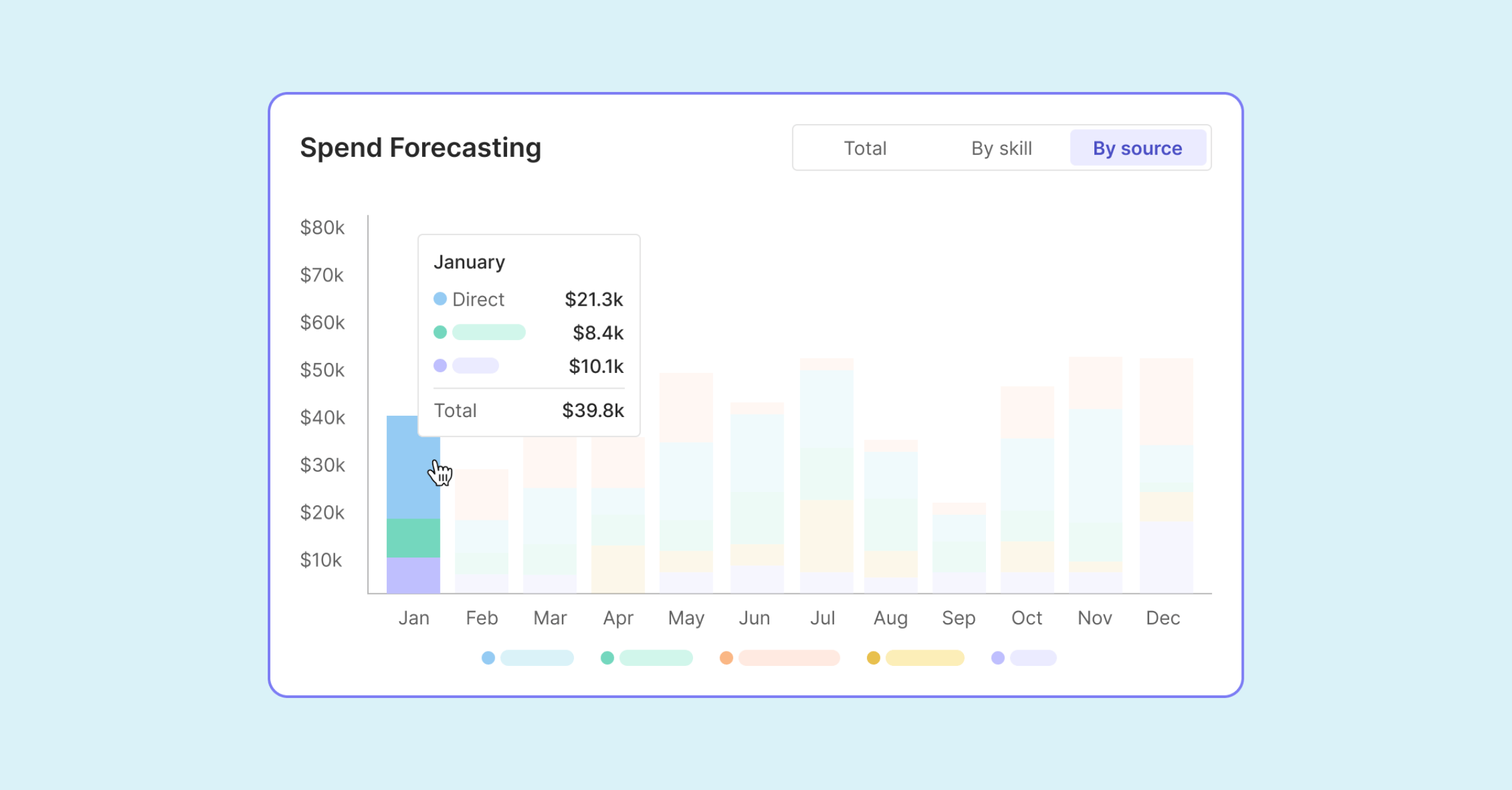
See actual and forecast contractor spend side by side and know early whether budgets are on track.
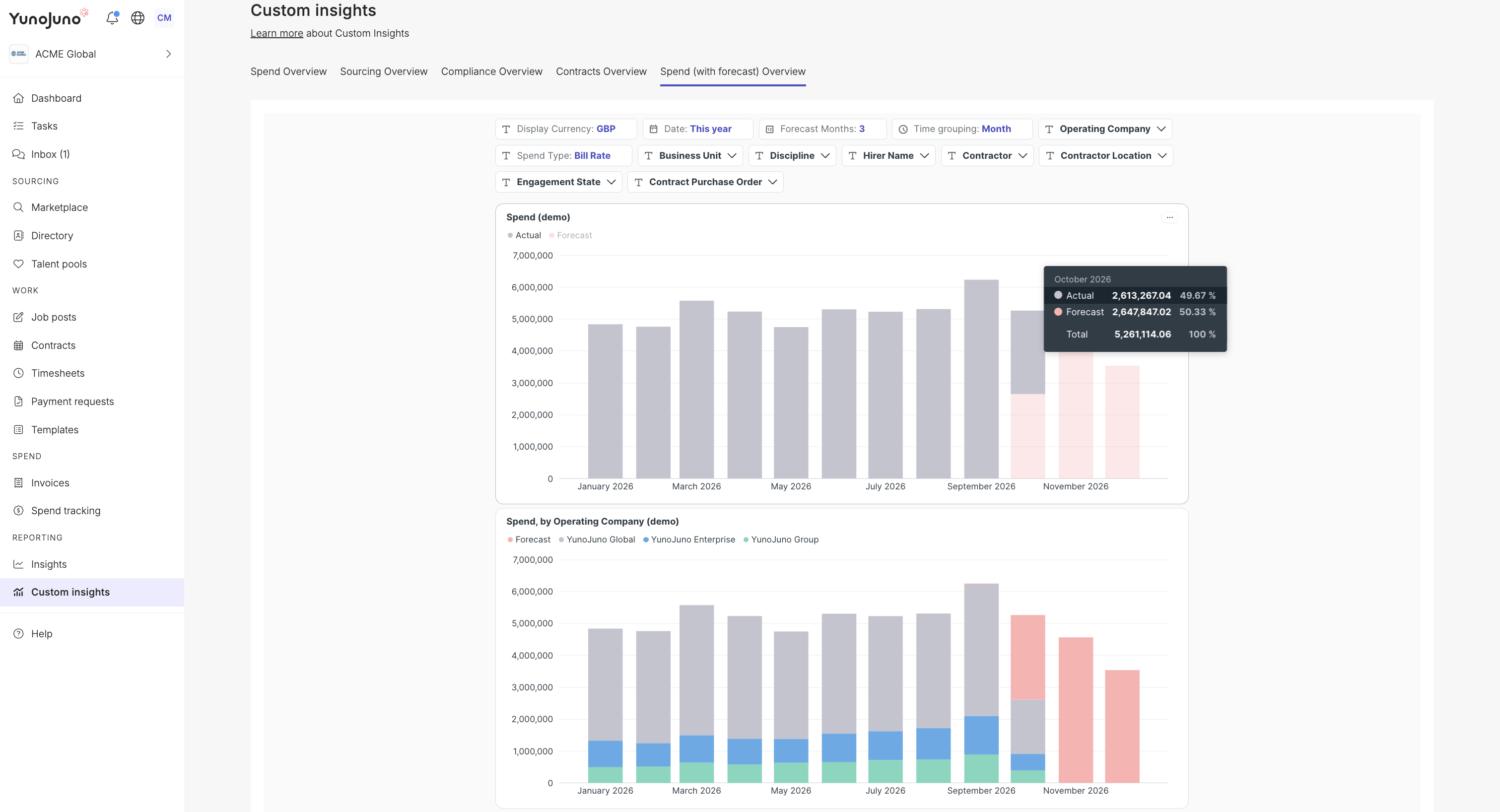
Contractor spend forecasting brings a forward view of committed costs to Custom Insights. The Spend (with forecast) dashboard shows actual spend from approved timesheets alongside forecast spend from timesheets still in approval and live or upcoming contracts, so Finance and Procurement teams can see whether contingent workforce spend is tracking above or below plan.
Why we built it
Budget conversations about a contingent workforce are rarely only about what has already been paid. Finance and Procurement teams also need to know what is coming: hours that have been worked but not yet approved, and contracts that are live or due to start. Seeing both together is what makes it possible to act while there is still time to adjust.
Spend forecasting builds on the Spend dashboard in Custom Insights by adding that forward view. It uses the contract and timesheet data already recorded in YunoJuno, so teams can compare committed spend with their plan without building a separate forecast in a spreadsheet.
What's new
- Actual and forecast spend in one view: The Spend (with forecast) dashboard places Actual spend and Forecast spend side by side, so teams can see what has been spent and what is still to come without switching between reports.
- Actual spend from approved timesheets: Actual spend is based on approved timesheets, giving teams a confirmed figure for work that has already been signed off.
- Timesheets in approval included in the forecast: Recent timesheets that are still awaiting approval are counted as Forecast spend, so work that has been done but not yet approved is reflected straight away.
- Future spend on live and upcoming contracts: The forecast includes expected spend on contracts that are live or have been accepted and are due to start, giving a forward view of committed contractor costs.
- Dormant contracts excluded: Contracts with no billable activity in the last 90 days are left out of the forecast, so inactive engagements do not inflate projected spend.
How it works
Spend forecasting is part of Custom Insights and appears in the Spend (with forecast) dashboard.
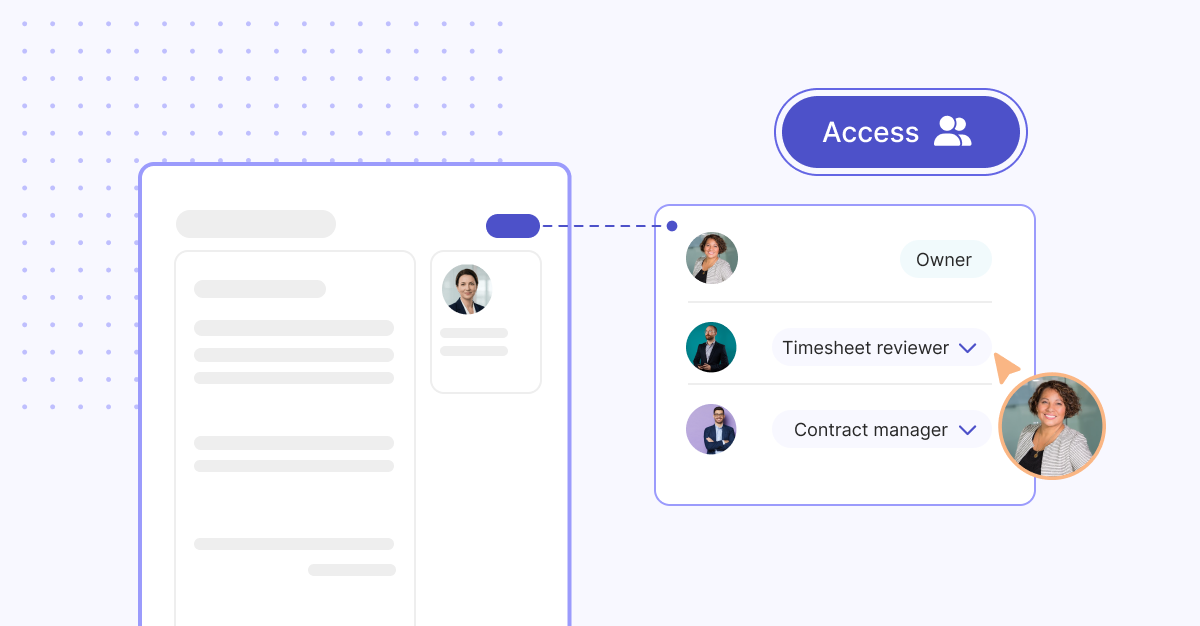
As with all Custom Insights dashboards, access is set up by YunoJuno for each user. Your YunoJuno team assigns the dashboard along with an access level (Network, Group, Operating company, or Hirer), and each user sees spend only for the part of the organization that level covers. Once the dashboard is assigned, it is available alongside the user's other Custom Insights dashboards.
A few points to keep in mind:
- The forecast is designed to show whether spend is tracking above or below plan, and roughly by how much. It is a directional view rather than an exact prediction.
- The forecast reflects contracts recorded in YunoJuno. Planned renewals or early terminations appear in the forecast once they are added to the platform.
- Actual spend appears once a timesheet is approved, and dates are based on when the work was done or the expense was incurred.
Benefits for teams
For Finance teams, a forward view of committed contractor spend makes budget reviews more proactive. Spotting early that spend is running ahead of plan leaves time to adjust, rather than discovering the gap once invoices are paid. Because the forecast draws on data already in YunoJuno, it also reduces the manual work of pulling contract and timesheet information together each month.
For Procurement and Contingent Workforce Program Managers, seeing committed spend alongside actuals supports better-informed decisions about new engagements, extensions, and renewals. When those changes are recorded in YunoJuno, the forecast updates to reflect them, so teams keep working from a current picture.
For larger enterprises, access levels mean each stakeholder sees forecast spend for the operating companies, Business Units, or hiring activity they are responsible for. Regional and central teams can each track their own position while working from the same underlying data.
Check out Contractor Spend Forecasting today
Contact your account or delivery manager to add the Spend (with forecast) dashboard to Custom Insights and start tracking committed contractor spend against your plan.